Post | 17 Mar 2026
Discovering inline SVG logos in React
This update doesn't sound too significant - essentially a new logo for the portfolio site, a new link in the footer and a new logo file itself. However, I found that there were significant advantages to using an SVG with React for the site logo which resulted in a bit more learning, so it's worthy of sharing on here.
Making a new Logo
I've used that little SB Logo you see on the top left since around 2011 when I made SketchUp models of ferries and shopping centres in my free time. The origin of that was quite literally placing the text in SketchUp and chopping and changing it into shape. Screenshotting that dead flat and using tools like Mac preview to cut out the background and holes has always sufficiently served me well. Until today.
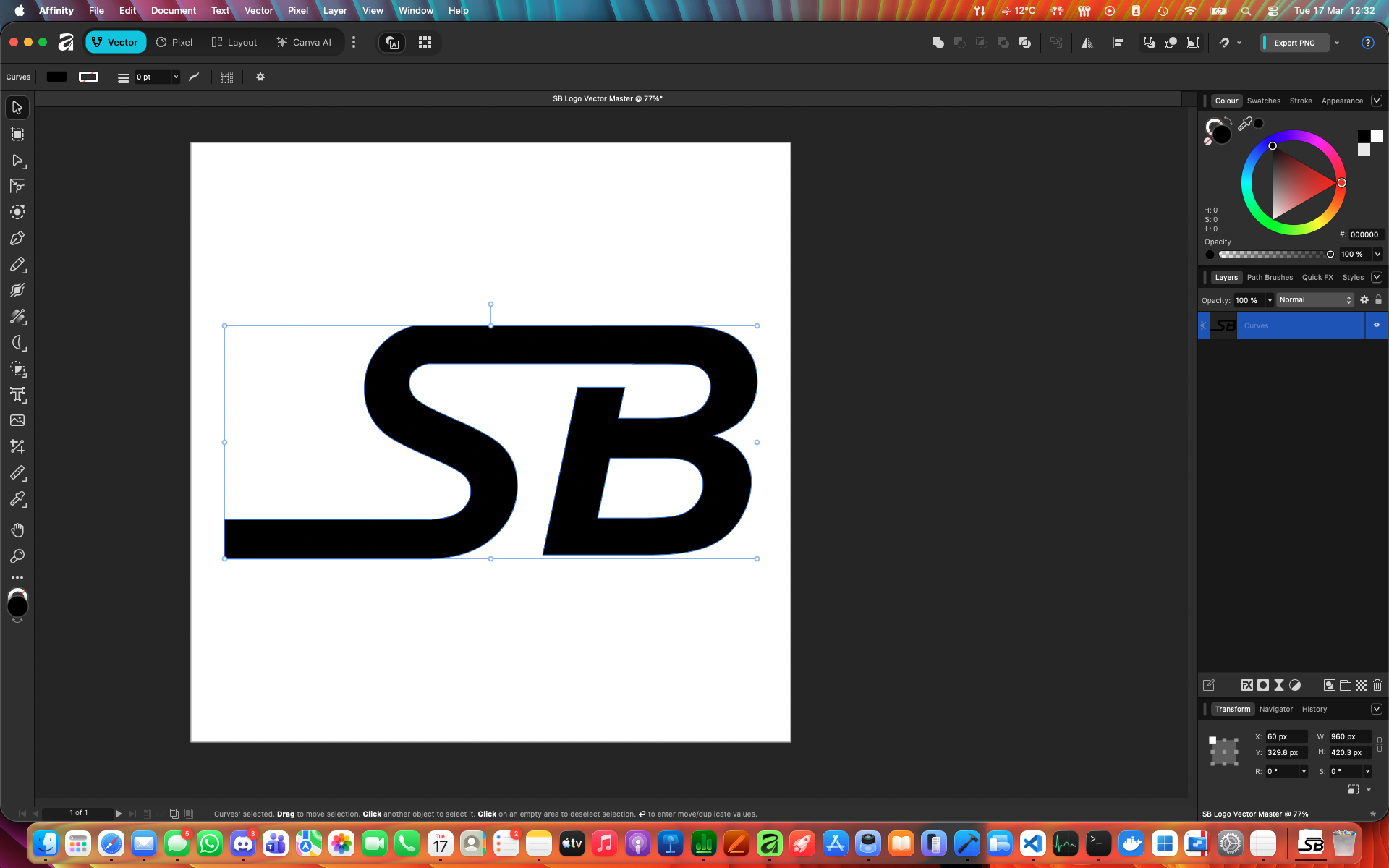
Exporting an SVG wasn't as simple as choosing the option...
Previously used SB logos were PNG format and exported at high enough quality to be scaled down for documents and previous web attempts which simply used an image file. Today when researching I wanted to keep with this site's basic functionality of turning dark and light as it does with Tailwind CSS 'dark' classes. A black logo and a white logo file would be inefficient really, and just one would inevitably disappear in a given state.
I found the SVG format was the one to use due to a fill="currentColor" property within its code. Exporting from Affinity with the previous logos quite literally resulted in an SVG file that had a PNG embedded within and couldn't function with the site as I needed it to. The first deviation was using Affinity to make a new logo which was a proper mathematically calculated vector
This involved placing the text. Converting to curves. And overlaying parts with rectangles using subtract and add to change the vector shapes of the letters, joining and trimming them - exactly in the same way as I did in SketchUp years ago - until the end result looked right. Exporting now resulted in an SVG file that when opened as plain text had the complicated maths that vectors use to draw the image. It was here I had to add a 'fill="currentColor' property, in order for the site to correctly be able to change the logo colour as needed.

React Inline Components
Contrary to me thinking that it was just a matter of placing the .svg file into the site's storage and referencing it in HTML as I had done in the past, there is an inline React component way of handling it. A new file in components/logo.tsx defines the properties of the logo, right down to the fillColor element and math that draws the shapes. This enables it to behave like a part of React's UI and be controlled stylistically with Tailwind's CSS styling such as colour and even the little animation when hovered over. This path-based logo makes my personal 'brand' (if you could call it that) a working component of this site as a project and is something that will scale better and suit web use much more effectively. I found it pretty cool to know how this worked as on many 'big company' professional websites would do.
Digital Begging made Easy
On the bottom right of the footer I have a 'Buy Me a Coffee' support link. I made this last week to put into the Mindful Check-In app, which is free and always will be, but as a support option hidden in settings. Of course, Apple want a 30% cut, so it's had to be removed but since the page is set up... why not add it here?